
I recently discovered a convenient way to send registered mail without ever visiting the post office. Here’s a look at two contactless services that can save you time.

“Need to send important documents, but can’t make it to the post office during business hours?”
I was in the same boat and found the solution: a service that lets you pre-register your mail online and drop it in any mailbox.
1. How to Send Registered Mail via Mailbox (Pre-registration)
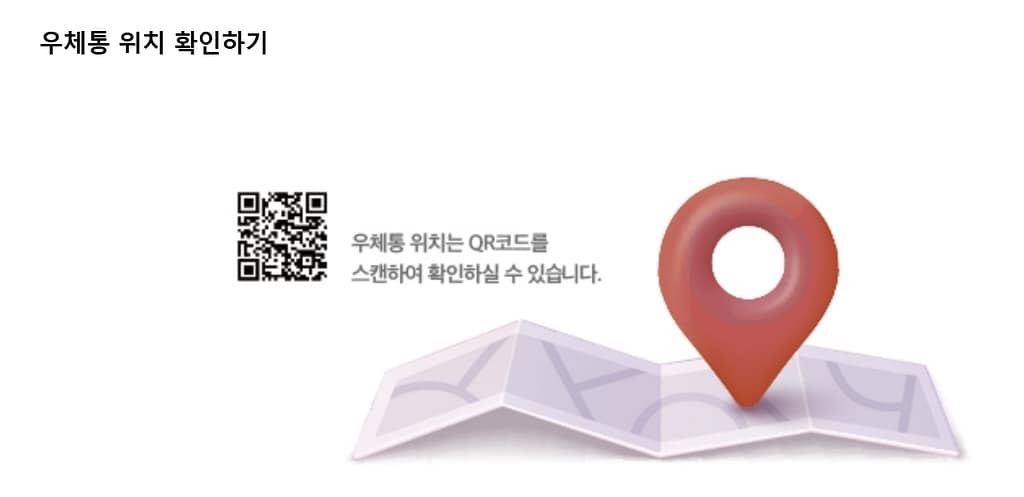
Simply pre-register your mail on the e-Post website or app, and then drop it into any mailbox to complete the process.
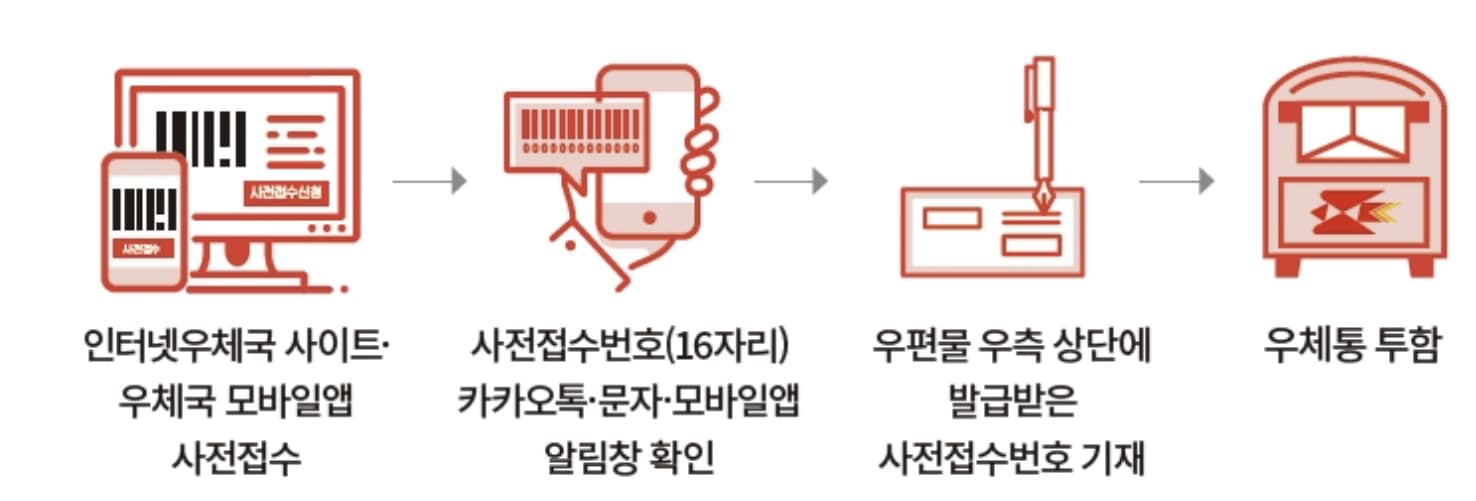
- ✅ Pre-register: Enter your mail details on the e-Post website or app.
- ✅ Select an Option: Be sure to check the box for the “Mailbox Drop-off Service.”
- ✅ Label Your Envelope: Address the envelope and clearly write the 16-digit registration number you received online.
- ✅ Drop It Off: Once your payment card is registered, simply drop the envelope into a nearby mailbox. It will be collected and sent.
⚠️ Important Things to Note
- Eligible Mail: This service is available for most types of standard registered mail, including general, semi-registered, and optional.
- Quantity Limit: You can send up to 9 letters per transaction, and all of them must be dropped into the same mailbox.
- Check the Slot Size: Mailbox slots vary in size, so make sure your envelope will fit.
2. Using a Self-Service Kiosk
If there isn’t a mailbox nearby, look for a self-service kiosk, often located at post office entrances. You can process your mail quickly without waiting in line, making it a great option for busy professionals and business owners.
#PostOfficeHacks #RegisteredMail #ContactlessService #MailboxDropoff #SelfServiceKiosk #ePost #LifeInKorea #TimeSavingTips